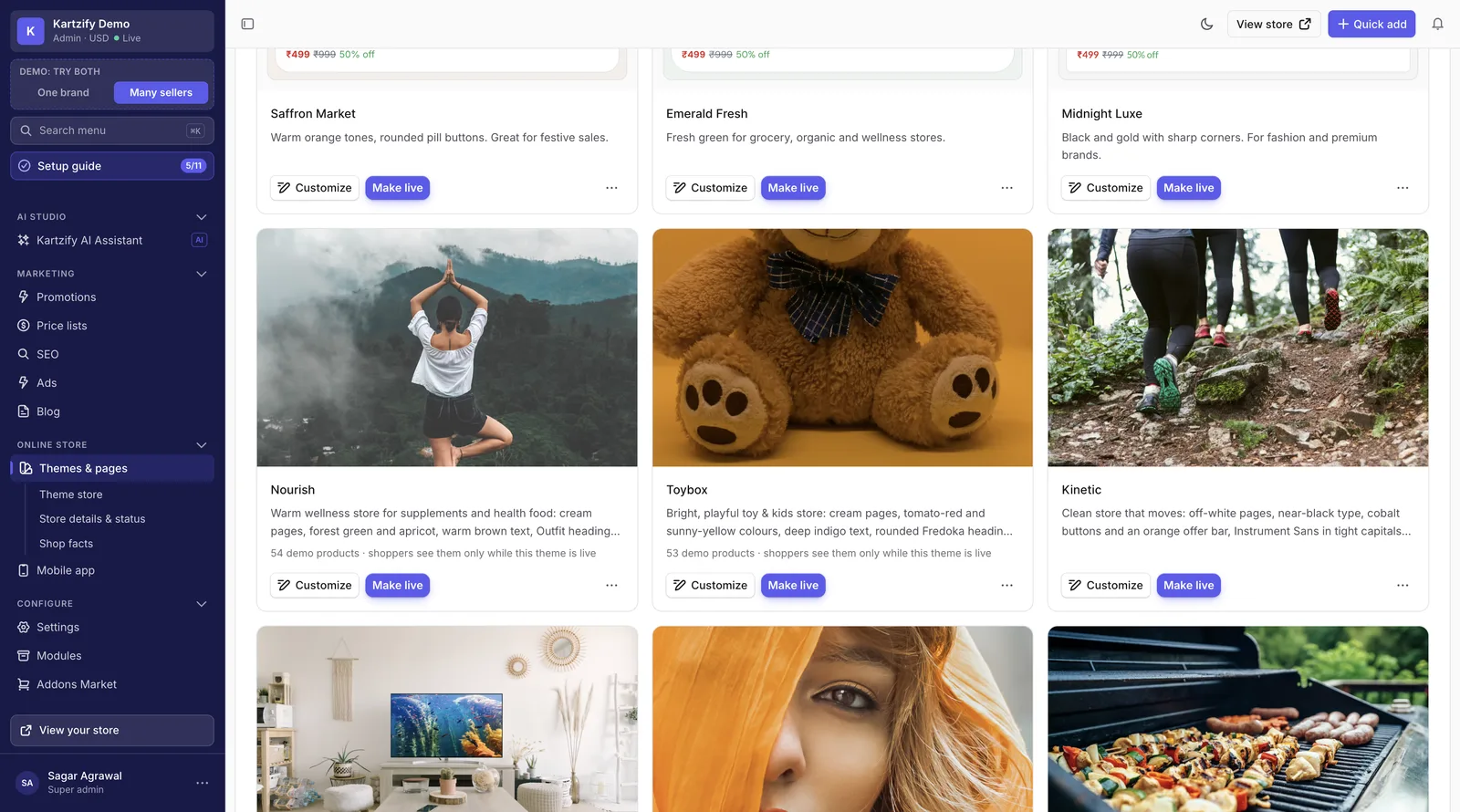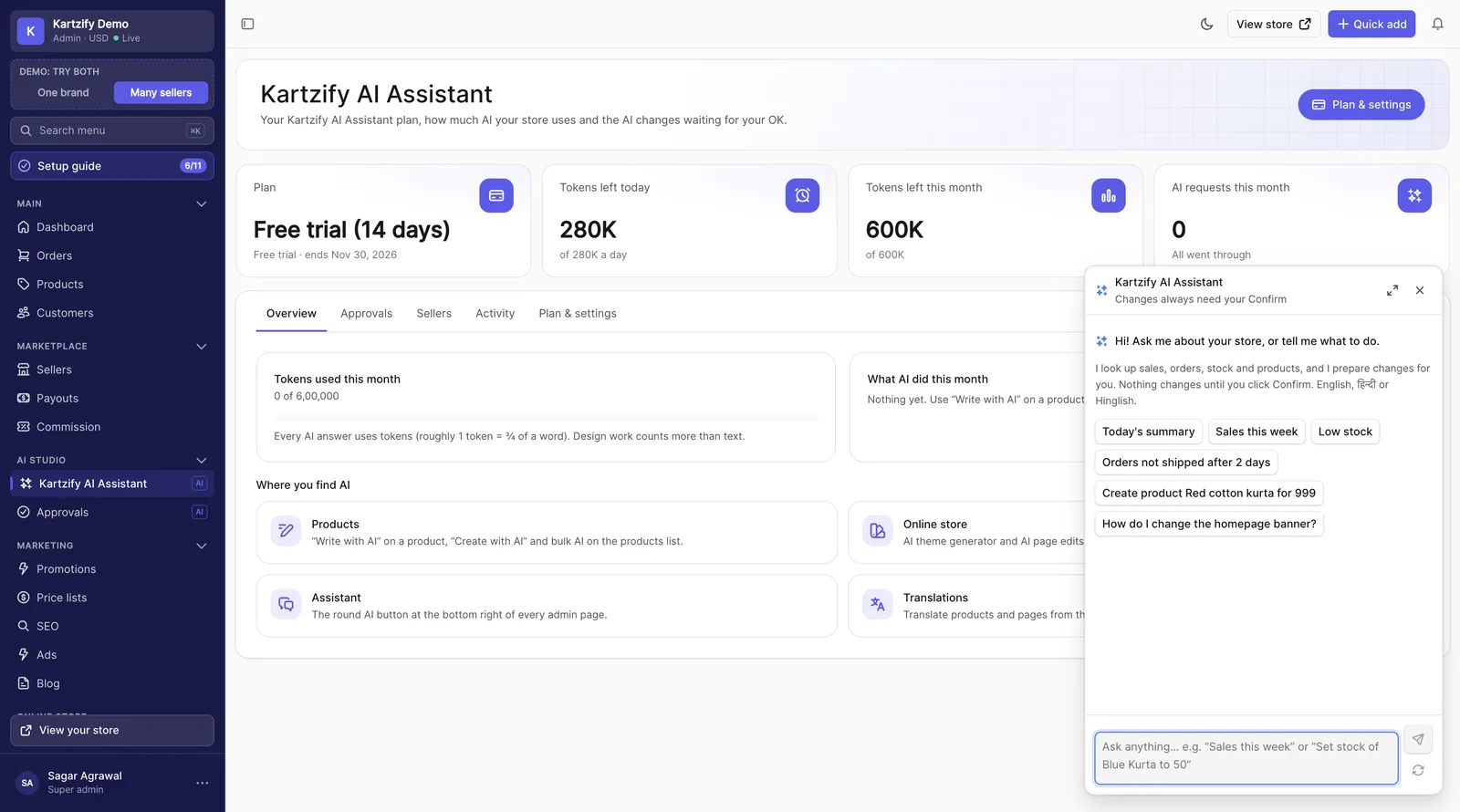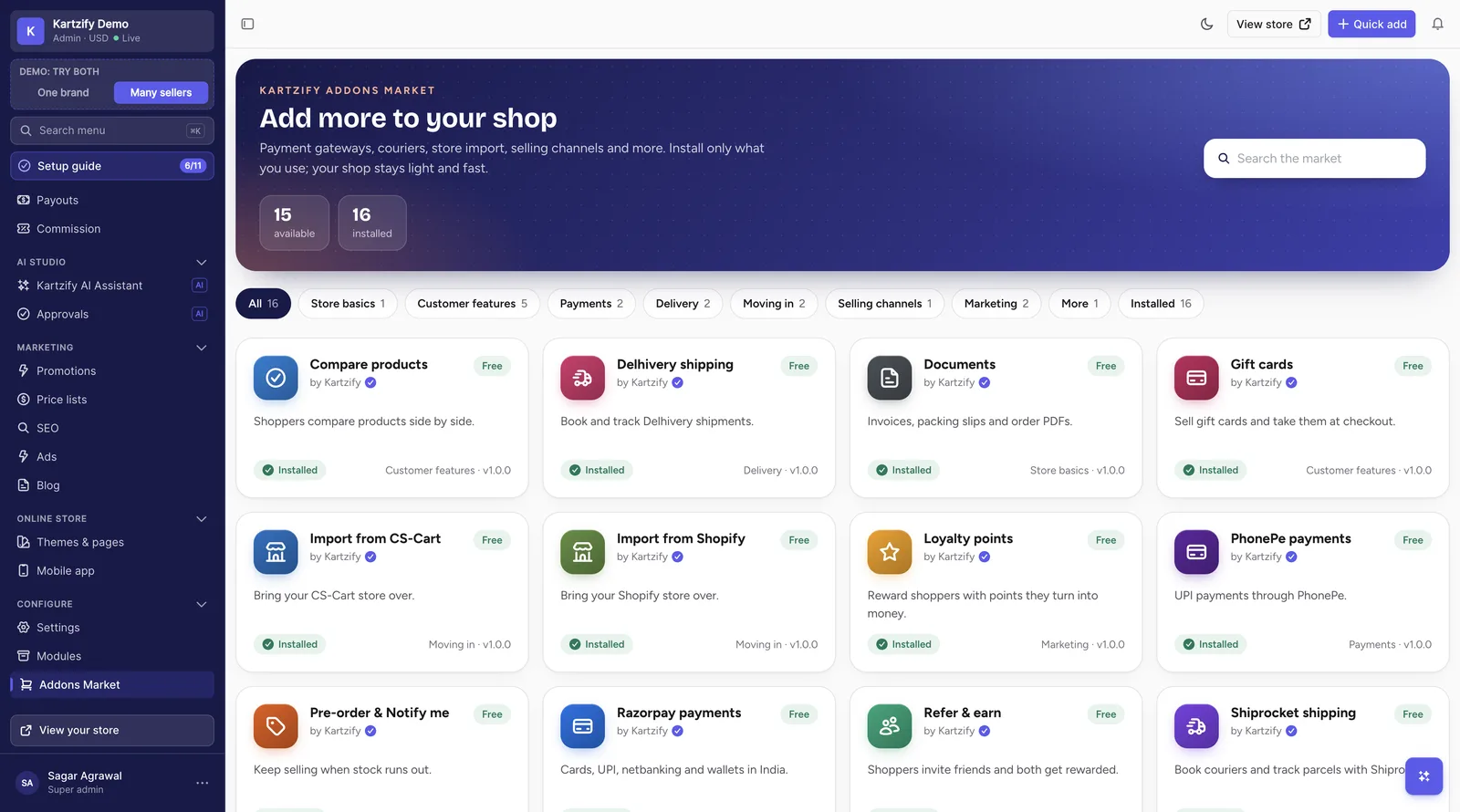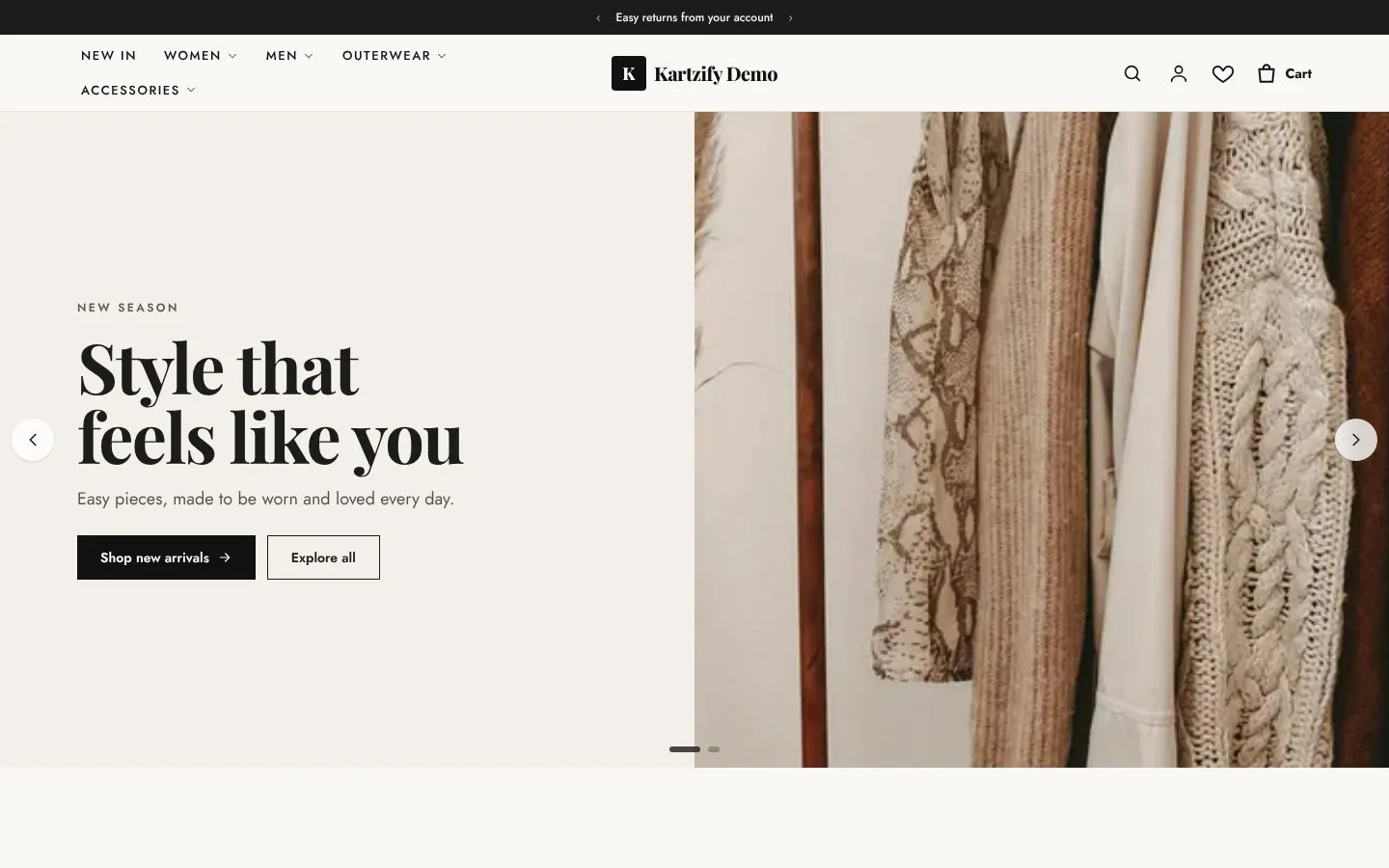

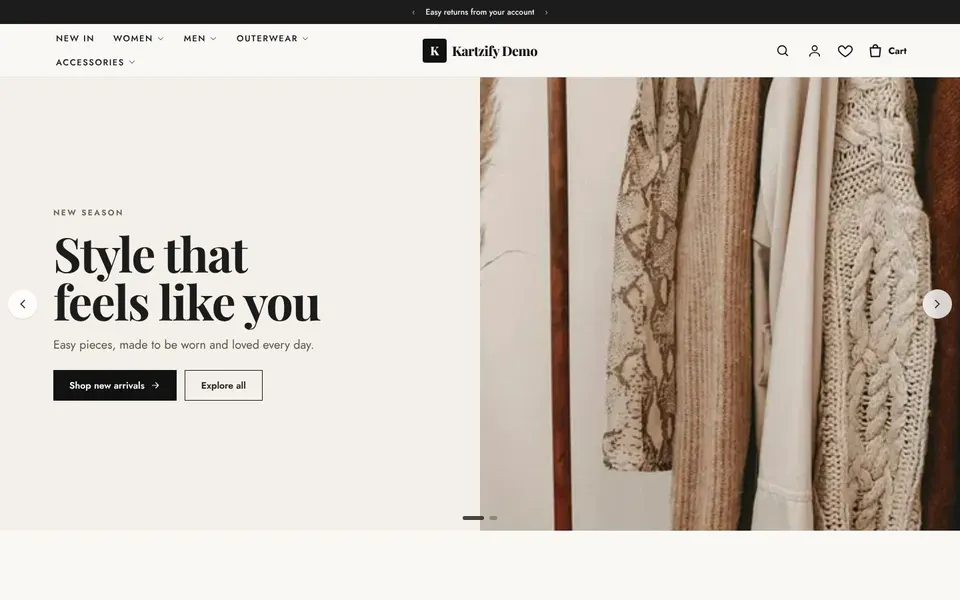
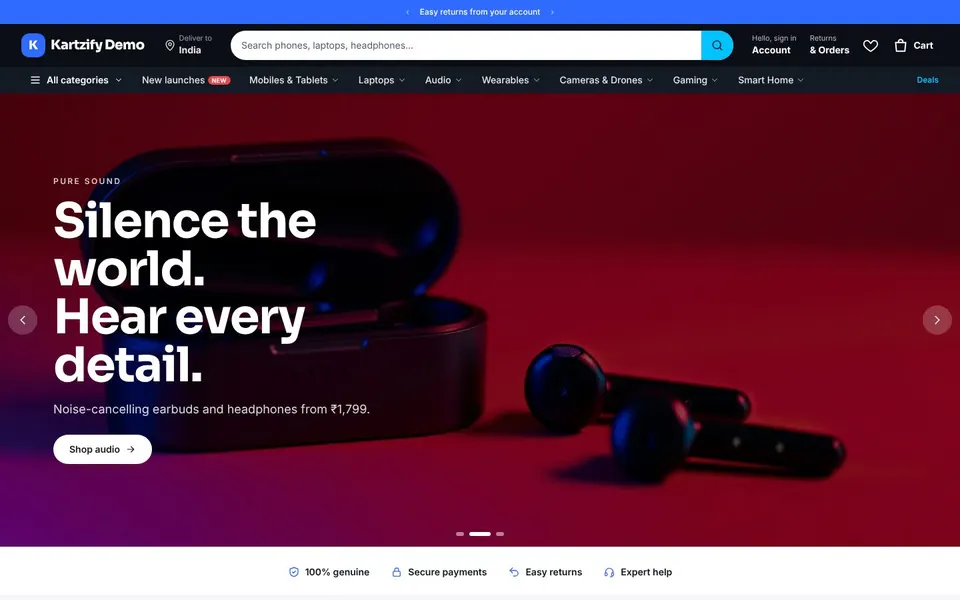
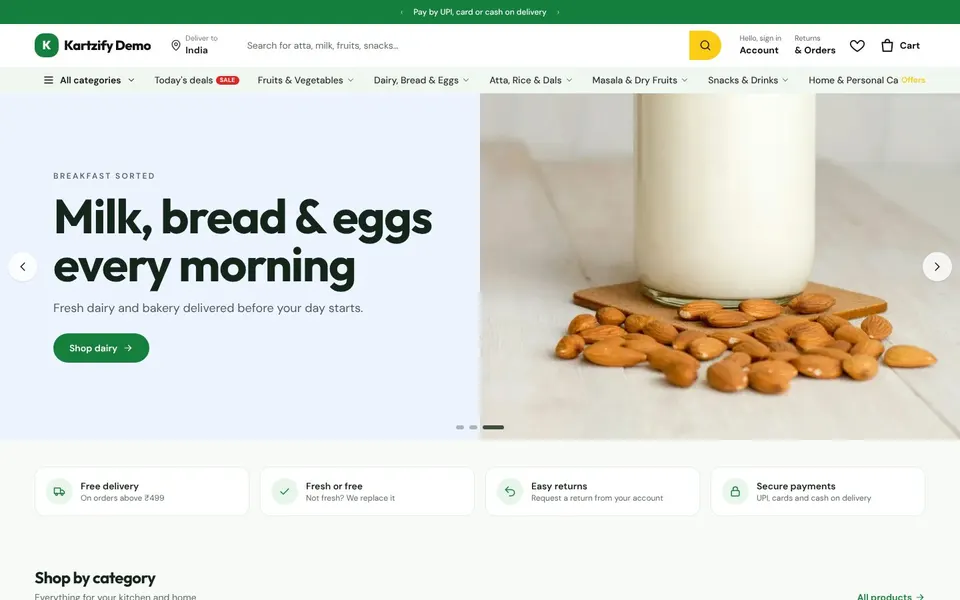
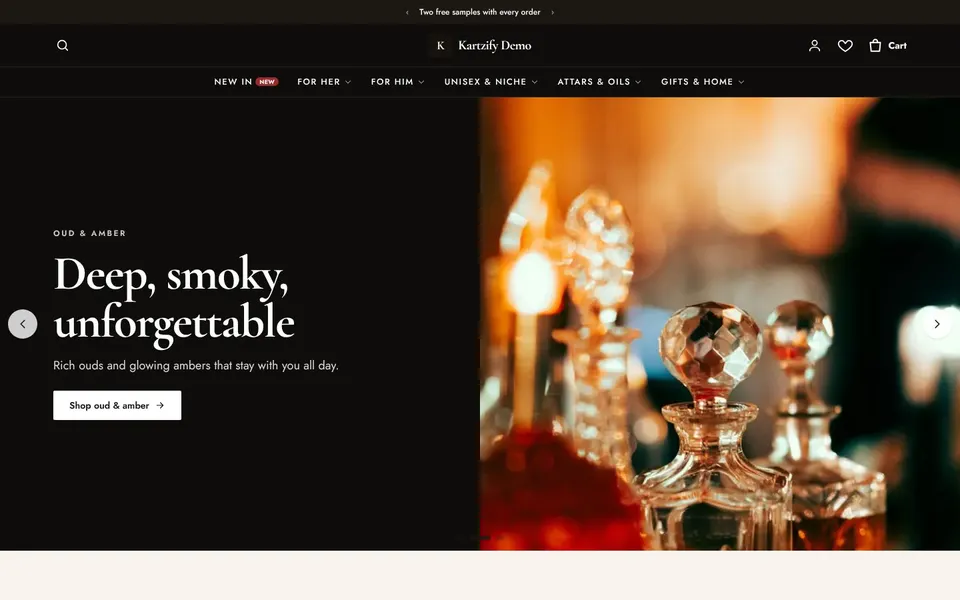
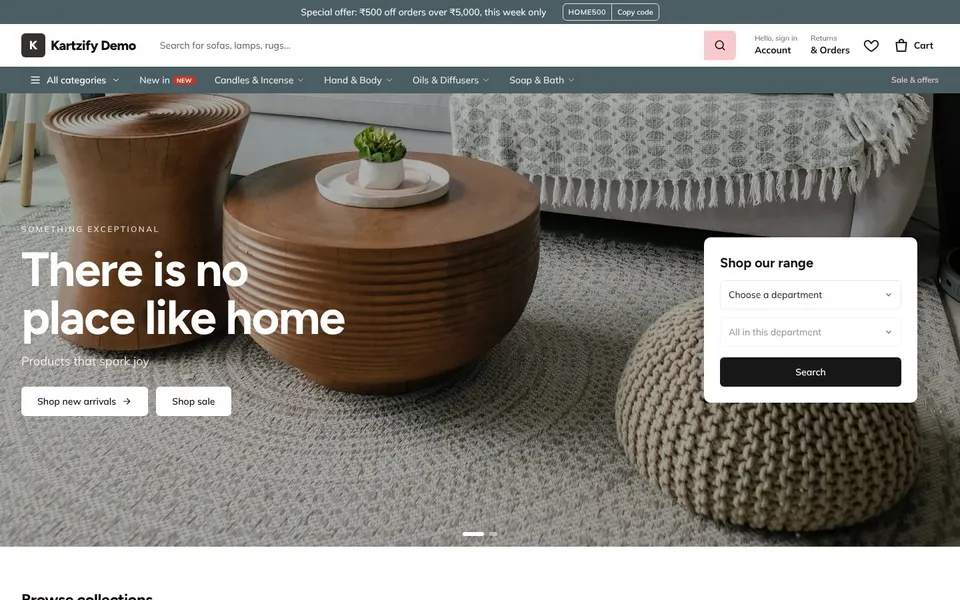

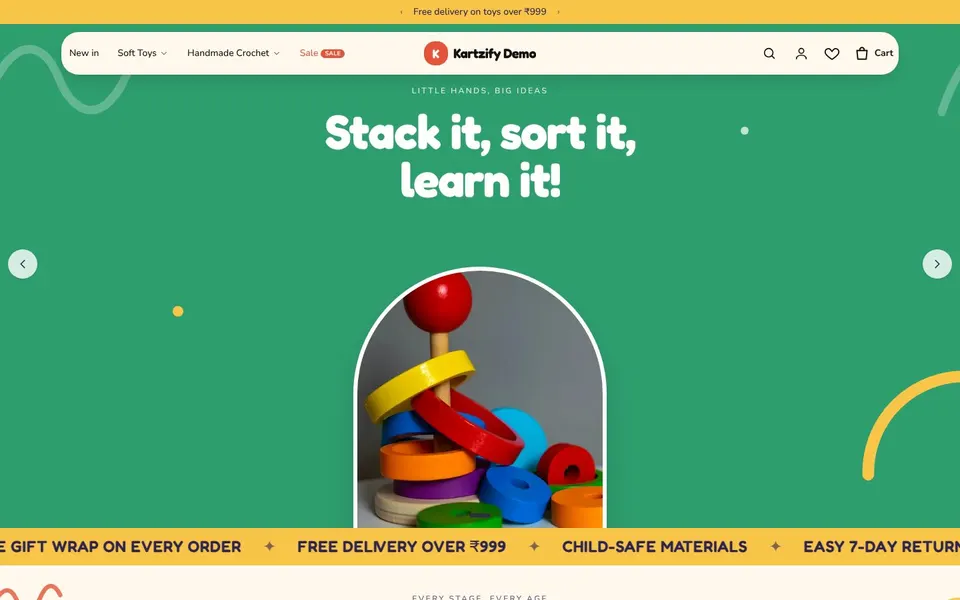
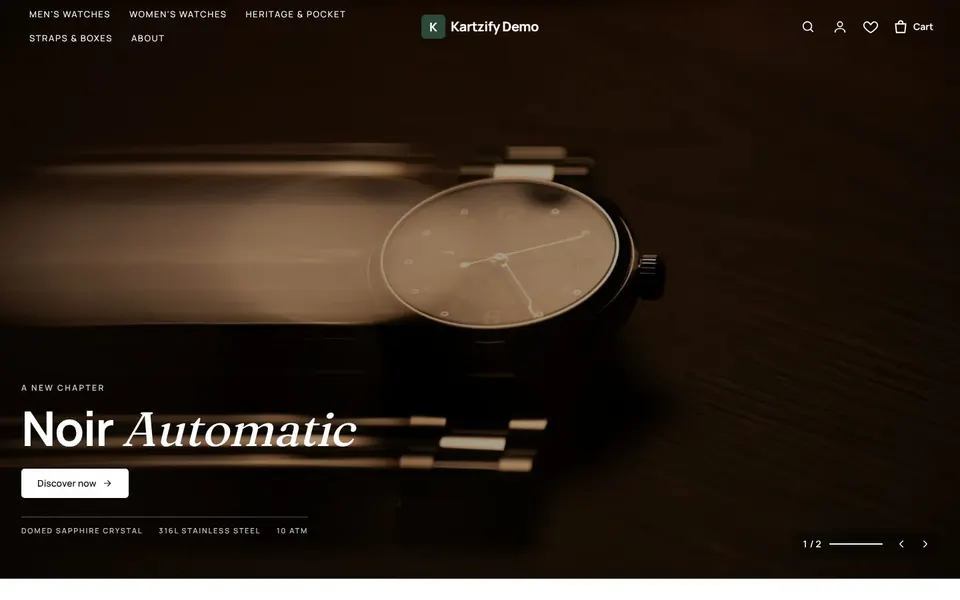
Change pages by dragging blocks, or by asking.
Open any page of the shop, click a block to edit it, drag new ones in from the side, and see it on desktop and phone before it goes live. You can also type what you want, like "add a sale banner above the bestsellers", and the AI assistant makes the change for you to review.
- Homepage, product, category, cart and checkout pages
- Header, footer and announcement bar
- Preview before publishing; go back to the last version